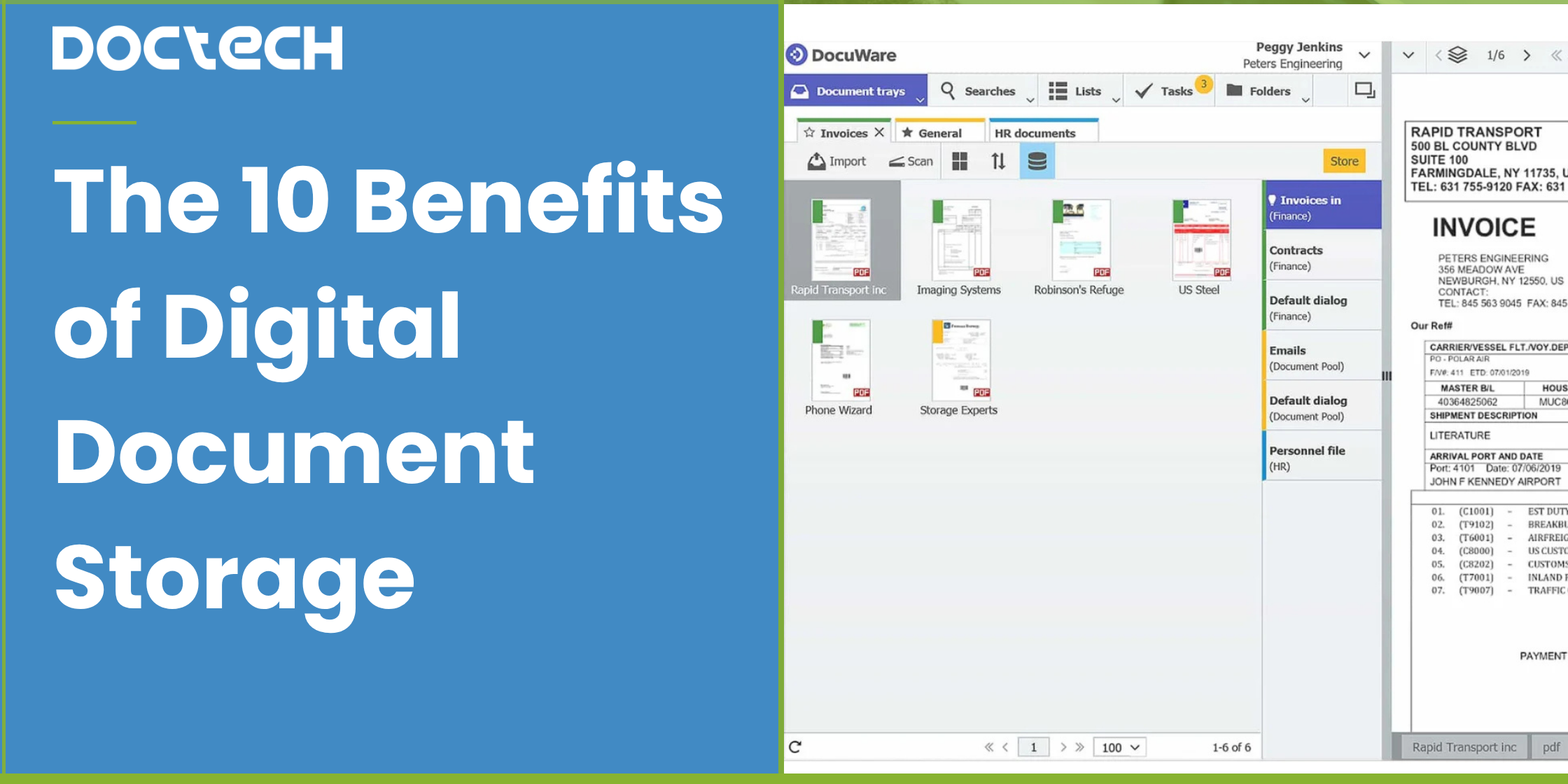
 Author: Laura Bulmer
For many organisations, business documents are still spread across paper files, filing cabinets, email inboxes and shared drives. As document volumes grow, this can make information increasingly difficult and time-consuming to manage.
Digital document storage provides a secure, central place for business information, giving employees faster access to the documents they need while reducing the time and cost associated with manual filing, searching and handling.
Here, we look at 10 key benefits of digital document storage and how moving away from paper-based processes can improve everyday operations.
Business documents can quickly become difficult to manage when they're spread across filing cabinets, email inboxes, shared drives and individual desktops.
Finding information takes longer, employees create duplicate copies, documents are difficult to access away from the office and managing security and retention becomes increasingly complicated.
Digital document storage gives organisations a secure, central place to store and access business information, making documents easier to find, share, protect and manage.
But the benefits go much further than simply removing paper.
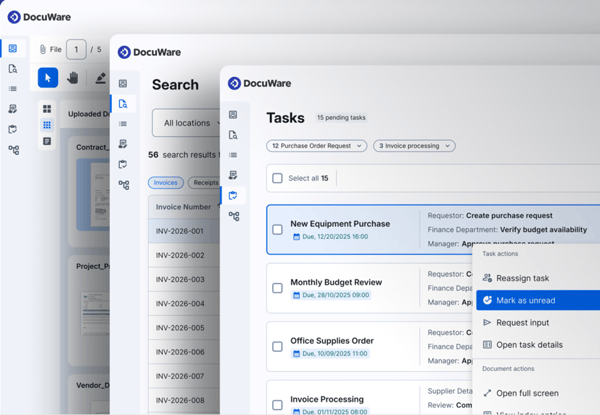 Digital document storage is the process of storing business documents electronically within a structured, secure system rather than relying on paper files or disconnected folders.
Documents might include:
Invoices and purchase orders
Contracts
Delivery notes
Customer records
Employee documents
Forms
Compliance records
Emails and correspondence
Technical or project documentation
Paper documents can be scanned and converted into digital files, while documents already received electronically can be captured directly.
With a dedicated Document Management System (DMS), documents can then be indexed, searched, secured and connected to the business processes and systems that use them.
.png?width=600&height=369&name=CW%20quote%20%20(1).png)
For many organisations, the problem isn't necessarily paper itself. It's the amount of manual work surrounding documents.
Employees may be filing documents, searching for information, emailing copies to colleagues, entering information into other systems and chasing people for approvals.
Digital document storage creates an opportunity to remove many of these steps.

One of the biggest advantages of digital document storage is the ability to retrieve information quickly.
Instead of searching through filing cabinets or navigating complicated folder structures, employees can search using information associated with a document.
For an invoice, this could include the supplier, invoice number, purchase order number, date or value.
For an employee record, it could be a name, department or document type.
Full-text search can also make it possible to find documents based on the information contained within them.
The result is less time spent looking for documents and more time using the information they contain.
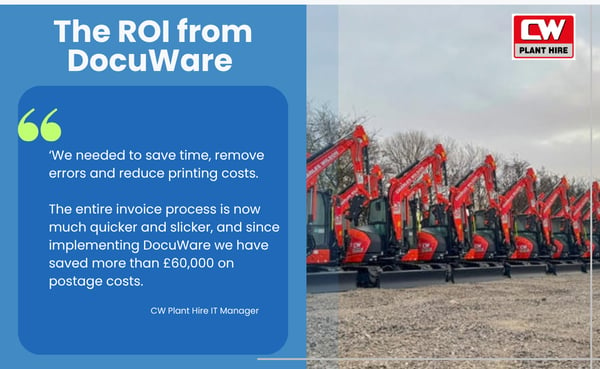
.png?width=600&height=369&name=PCB%20quote%20(1).png) Paper-based document management carries costs that aren't always immediately obvious.
Paper-based document management carries costs that aren't always immediately obvious.
There is the cost of printing, filing cabinets and physical storage, but also the employee time involved in filing, retrieving, copying and distributing documents.
Digital storage can significantly reduce these manual activities.
For organisations using off-site document storage, digitisation can also reduce the ongoing cost and delay associated with retrieving physical records.
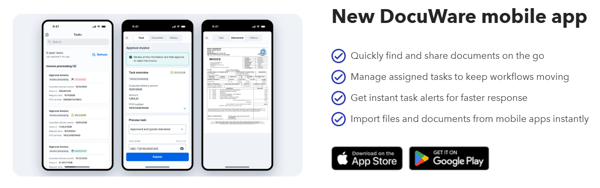
Physical documents can only be accessed where they're stored.
Digital document storage allows authorised employees to access the information they need whether they're in the office, working from home or based at another location.
This is particularly valuable for organisations operating across multiple offices, sites or departments.
Instead of requesting that somebody finds and sends a document, employees can retrieve authorised information themselves.
Documents frequently need to be used by more than one person.
When information is managed through paper files, email attachments or individual folders, it can become difficult to know whether everyone is working with the latest information.
Centralised digital storage gives employees controlled access to the same document.
Depending on the system being used, version control and audit histories can also provide greater visibility over changes and activity.
This makes collaboration easier while reducing unnecessary copies and duplicated information.
Paper documents can be left on desks, stored in unlocked filing cabinets or removed without there being a clear record of who has accessed them.
Digital document storage provides much greater control.
Access permissions can determine which employees are able to view or work with particular documents, while audit trails can record activity.
Sensitive information – such as HR, financial or customer documents – can therefore be made available only to the people who require access.
Organisations often need to retain particular documents for defined periods of time.
Managing this manually across paper files, shared folders and individual systems can be difficult.
A structured document management system can apply retention rules and access controls more consistently, while providing an audit trail of document activity.
This can help organisations demonstrate greater control over the information they hold and support their wider data protection and compliance requirements.
Physical records are vulnerable to loss and damage.
Fire, flooding, accidental disposal or simply misfiling a document can result in important information being permanently lost.
Digitising documents reduces reliance on a single physical copy and allows information to be protected using appropriate backup and disaster recovery arrangements.
Digitisation can also help preserve valuable historical records.
We've worked with organisations such as universities to digitise archives, drawings, photographs and other materials so they can be accessed without repeatedly handling the originals.
One of the biggest advantages of modern digital document storage is that documents don't have to sit in isolation.
A Document Management System offers integration with other applications such as finance, ERP and CRM software.
This means employees can access supporting documents while working within familiar business systems, and information captured from documents can be passed between applications.
Instead of employees repeatedly searching for documents or manually entering the same information into different systems, information can move more efficiently between processes.
.png?width=600&height=369&name=What%20is%20a%20DM%20%20(1).png) Once documents are digital, organisations can start looking beyond storage at the processes surrounding them.
Once documents are digital, organisations can start looking beyond storage at the processes surrounding them.
Take a supplier invoice.
Instead of somebody receiving the invoice, saving it, entering the information manually and emailing it to a colleague for approval, a digital process could look like this:
Invoice received → Information captured → Approval requested → Finance system updated → Document securely stored
The same principle can be applied to contracts, purchase orders, employee documents, forms and many other document-heavy processes.
Digital storage therefore provides a foundation for wider workflow automation.
Poor document processes create unnecessary frustration.
Searching for missing files, entering information manually, chasing approvals and switching between different systems all take employees away from more valuable work.
Giving people quick access to accurate information and automating repetitive document tasks can make everyday processes considerably easier.
And when employees don't have to spend their time managing paperwork, they can focus more attention on customers, suppliers and the work they're actually employed to do.
 The biggest opportunity won't be the same for every organisation.
For one business, it might be removing filing cabinets and off-site storage. For another, it could be reducing the amount of time the finance team spends manually processing invoices.
Others may already have predominantly digital documents but still rely heavily on shared drives, email and manual approvals.
The important thing is to look at the whole process surrounding your documents – not simply where they're stored.
You don't need to know which document management system you need or have a complete digital transformation project planned before speaking to us.
At DocTech, we can map your existing document processes at no cost.
We'll look at how documents enter your organisation, where they're currently stored, who needs access to them, which manual steps are involved and where bottlenecks are occurring.
From there, we can highlight opportunities to improve document storage, reduce manual work or introduce workflow automation – and suggest a sensible place to start.
Speak to our team of experienced document management experts. We’ll take the time to understand your specific challenges and recommend the most effective solutions to drive positive change across your organisation.


 info@doctech.co.uk
 0161 647 7040