Automate your complete purchase-to-pay process, from purchase requisitions and approvals to purchase orders, delivery notes, invoice matching and payment authorisation.
DocTech work with hundreds of clients and their various finance processes. We create tailored DocuWare workflows that improve spend control, reduce manual administration and connect purchasing documents with your existing finance or ERP system.
Purchase-to-pay is the complete process an organisation follows when buying goods or services. It begins when an employee raises a purchase request and continues through approval, purchase order creation, delivery, invoice processing and payment authorisation.
When these stages rely on paper, spreadsheets and email, it can be difficult to see what has been ordered, who approved it and whether the corresponding invoice is correct. Documents may be stored in different places, approvals can be delayed and finance teams are left resolving issues after an invoice arrives.
Purchase-to-pay automation connects each stage within one controlled digital process.
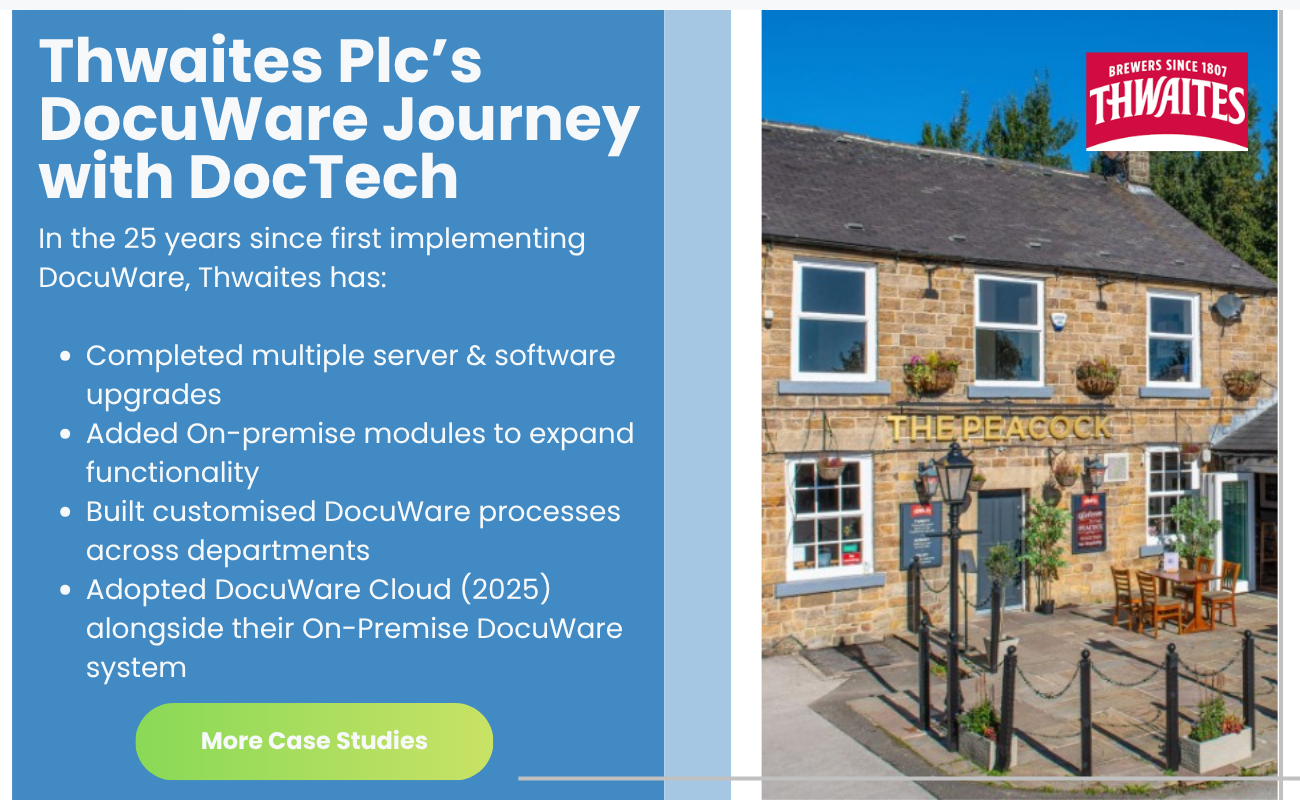
The solution we provide is DocuWare. We create purchase-to-pay workflows around our clients' existing processes, approval rules and business systems.
A typical automated purchase process can include:
Every stage is recorded, giving finance and procurement teams clear visibility of each transaction.
The process starts with a tailored digital purchase requisition form (which we create with you).
Employees can select information such as the supplier, department, cost centre, purchase value and reason for the request. Mandatory fields and select lists ensure the necessary information is provided before the form can be submitted.
Data can also be drawn from existing systems or databases, reducing manual entry whilst ensuring employees use accurate supplier and account information.
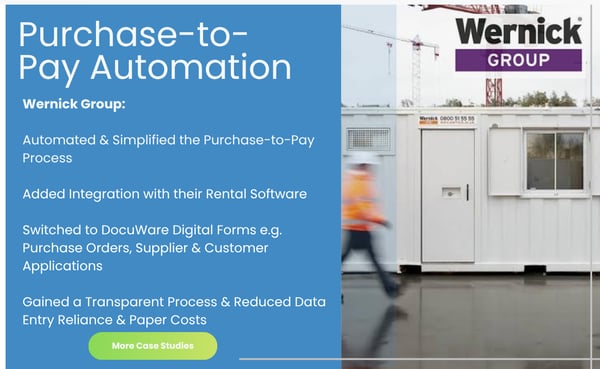
Purchase requests can be routed to the correct approvers according to your business rules.
Approval routes can be determined by factors such as:
Approvers receive a task and can review, approve or reject the request. Reminders and escalation rules help prevent requests from being overlooked, while substitution rules keep the process moving when an approver is unavailable.
Every decision is recorded within the audit trail.
DocTech has provided DocuWare solutions since 1996, combining detailed software knowledge with practical experience of finance and purchasing processes.
We take the time to understand your current workflows, approval rules and existing systems before designing a purchase-to-pay solution around your organisation. From digital forms and automated approvals to invoice matching and ERP integration, our UK-based team manages the implementation and provides ongoing support as your requirements develop.

A purchase order process is a way of ensuring goods are ordered, approved, received and paid for in a uniform way, as designed by the business.
Having a process in place not only ensures employees know how to order what they require from the right suppliers, but it also stops them from making an incorrect order or ordering something beyond their agreed budget.
The process should start with a Purchase Order Requisition, which is an internal document used by an employee to request goods or services. Ideally this should be done using a digital form.
This document may go through a number of approvals with the purchasing or accounts department to check accuracy. It could be approved, rejected or adjusted.
An approved purchase requisition then gives the go ahead to create a Purchase Order.
A purchase order acts as a binding contact between a customer and a supplier. It agrees the price and the quantity of a product or service and is sent out by the customer. It is accepted by the supplier who is now obliged to deliver the goods.
Need to understand more? Read our blog on Purchase Requisitions vs Purchase Orders.
When the invoice is received it should match what's listed on the Purchase Order and the two documents are linked by the same reference or PO number. Once the invoice is approved and / or delivery note confirmed, the supplier is paid.
The steps of a purchase order process are important, but they needn't be manual, time consuming or documented on paper. Automating the entire process will make it quicker, streamlined and more efficient, whilst reducing the cost and risk of the process.

DocuWare replaces paper forms, spreadsheets and approval emails with a controlled digital workflow.
Employees submit a digital purchase requisition containing the supplier, cost, department and reason for purchase. The request is automatically sent to the appropriate manager for approval. Once approved, a purchase order can be created and issued to the supplier.
When the goods and invoice are received, DocuWare can perform a three-way match between the purchase order, delivery note and invoice. Matching invoices continue for payment authorisation, while discrepancies are sent to the appropriate person for review.
All related documents and approvals are securely stored together, giving finance and procurement teams a clear audit trail and complete visibility of the process.
.png?width=600&height=370&name=AP%20Automation%20%20(1).png)
We map your current purchase-to-pay process and identify delays, manual tasks, risks and areas where greater control is required.
We define the proposed forms, workflows, approval rules, document storage and integration requirements.
Our technical team configures and tests the solution using realistic purchasing scenarios.
We train your users and provide ongoing support after the system goes live.
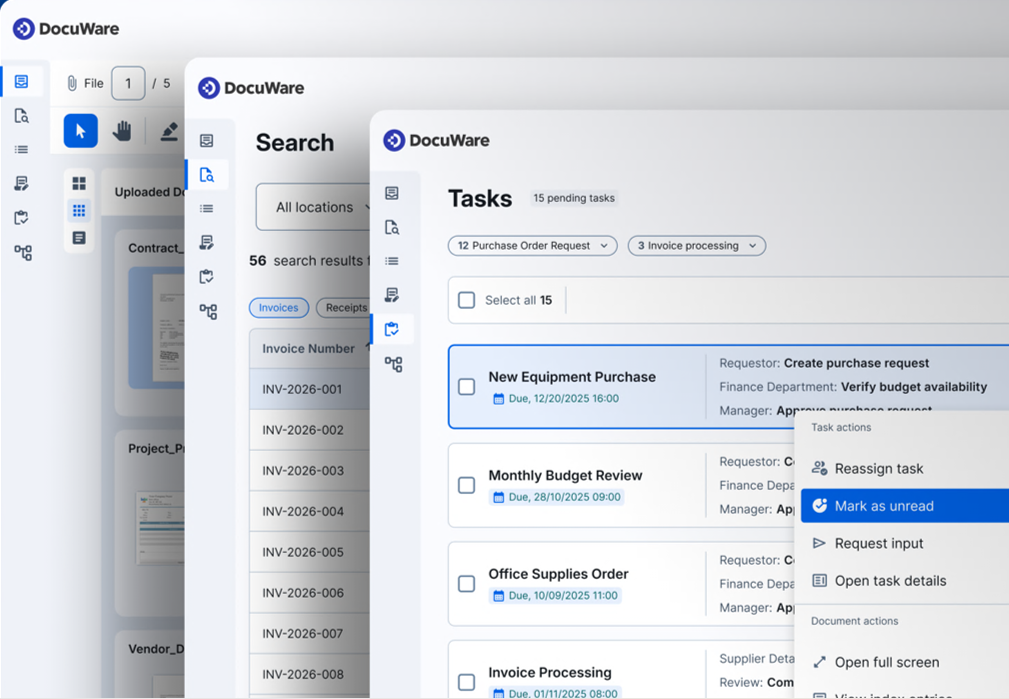
Purchase-to-pay automation gives finance and procurement teams greater control over the entire process, from the initial purchase request through to invoice approval.
The result is a faster, more transparent process with less administration for employees and greater control for the organisation.


All paper has now gone! We still have some historical documents we occasionally need to refer to and when we do, they are scanned into the digital cabinet and then destroyed. The biggest benefits of implementing DocuWare is the accessibility of information across the office, saving on storage space and saving some trees! The ease of use, and the support from DocTech is very good.

The digital transformation at Serviceline has set a new standard for efficiency and accuracy in their operations. Their Ops Director highlighted the significant impact, stating, "DocuWare has become the centre of all activity - we use the documents to centralise our activities."
DocuWare has become an integral part of our business processes. It’s robust, reliable, and makes document retrieval incredibly fast. We wouldn’t be able to cope properly without it now. We know the DocTech team really - they’re always helpful and responsive

We used to spend around three hours a day looking for paperwork. Since our documents are now available digitally, with a click of a button, we were able to significantly improve our customer service. We wanted our administration service levels to match the quality of our products, and with DocuWare we have achieved just that. It has become an essential business tool for us.

Everything is now filed and is easily retrievable in one document repository. Our Customer Services team achieved a time saving of approximately 15 hours of filing per week – i.e. ½ hour per person x 5 days. The system has provided greater security, retrieval is simpler and faster, with all the information accessible from any location. We continue to work closely with DocTech on future enhancements with other teams within our business.
.png)
The support team is excellent, really responsive and easy to work with. They consistently go above and beyond, are flexible to our needs, and provide great support. We’ve never had to wait long for assistance, making the whole experience smooth and reliable.

Personally I have worked with the DocTech team since 2001 when we implemented our original DocuWare installation. We have a great relationship. DocuWare is a very reliable system but it's equally important that we get immediate responses from the DocTech team who know us personally if we do need any help. I would definitely recommend DocTech if you are looking at digital transformation
DocuWare has continued to evolve with our business. Our move to the Cloud was handled smoothly by DocTech, and we’re now looking at new opportunities to automate and improve processes across the organisation.

Staff no longer spend time looking for documents. Documents are retrieved in seconds using fixed index. There is no more need for physical storage and the filing archives soon will be gone.
This has been an IT success story for Mosscare. On the one hand staff have embraced this one piece of technology better than any other. On the other hand we are now able to offer a much better service than ever before.

 info@doctech.co.uk
 0161 647 7040