Your ERP, finance, CRM or specialist business system may manage your core business data – but what about the documents and processes that sit around it?
DocuWare document management can be integrated with the systems your teams already use. It will help you capture data and automate workflows whilst securely storing documents. The DocuWare integration allows documents to be accessed from your existing applications.
Rather than adding another disconnected piece of software, most of our clients using DocuWare have some form of integration as part of the implementation. DocTech can integrate DocuWare with your existing technology to create more joined-up processes across your organisation.
Keep the systems that work. Improve the processes around them.
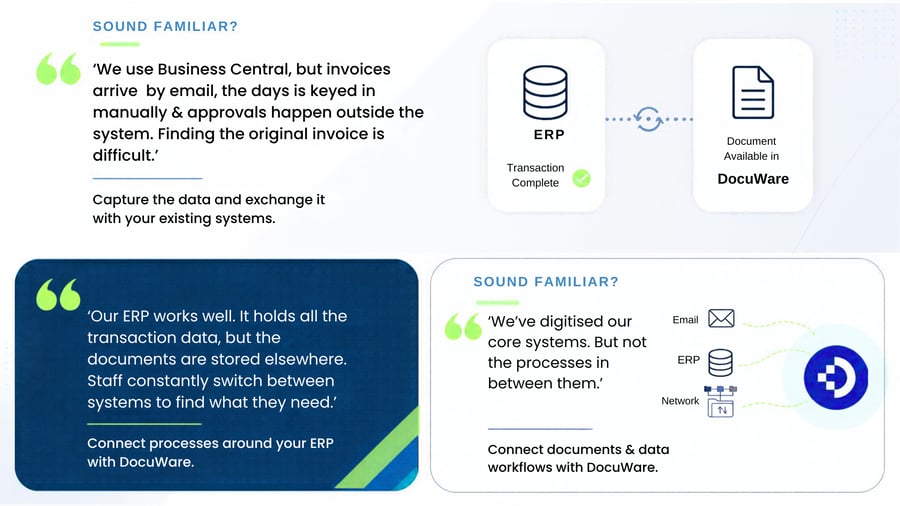
If these situations sound familiar, you may not need to replace your existing systems........You can boost their effectiveness by integrating documents and data.
DocTech embrace the idea of systems being able to speak to each other and exchange data bidirectionally.
We have vast experience in the techniques used to achieve a slick DocuWare integration.

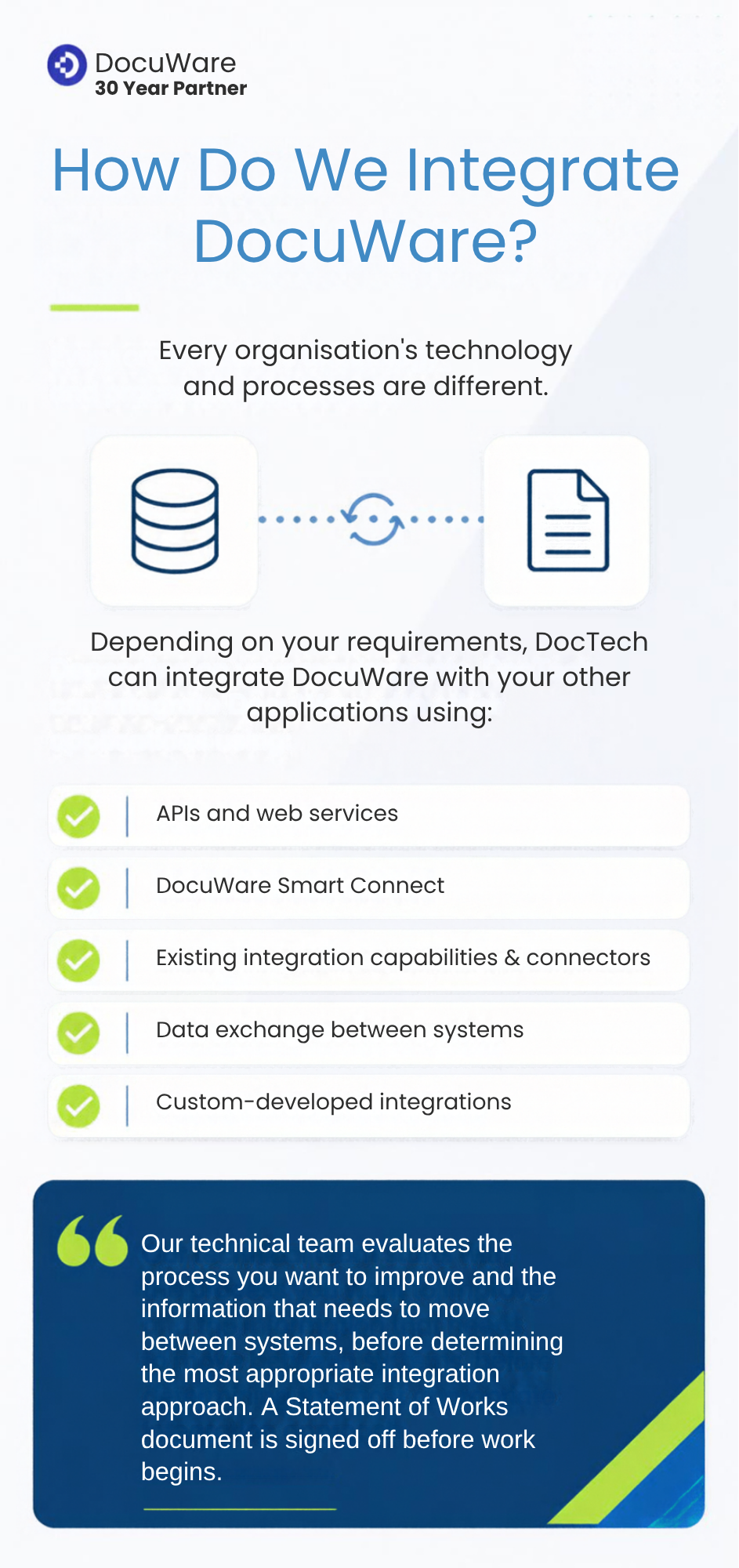
Integration is a core part of many of the DocuWare solutions we design, implement and support.
Our technical team has experience connecting DocuWare with ERP, finance and specialist business systems, with integrations designed around the processes and information that need to move between them.
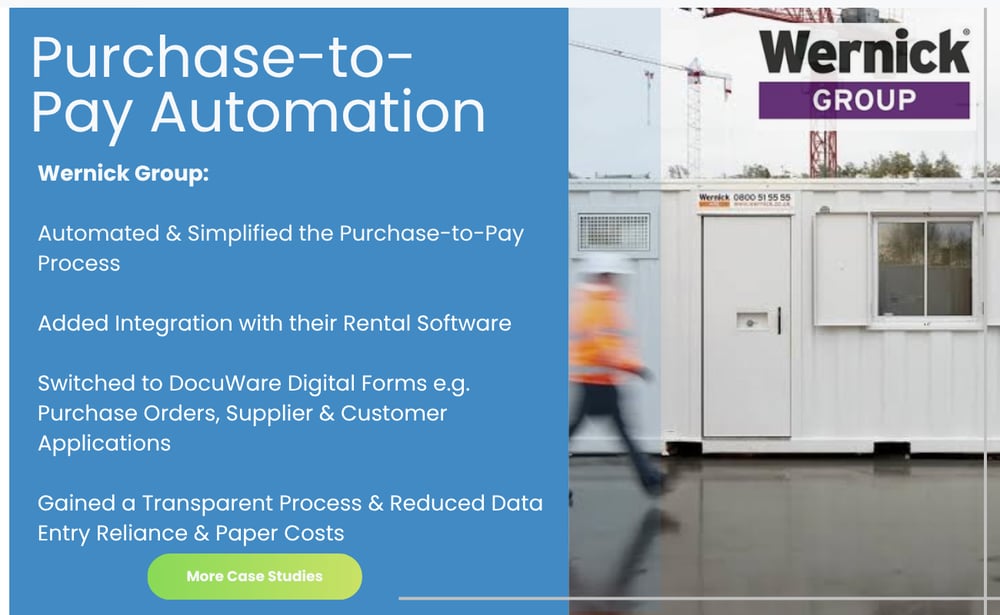
Our case studies demonstrate this in practice. For Wernick Group, DocuWare was integrated with its rental management software, while Stockport Homes Group integrated DocuWare with Civica CX to support more efficient and compliant processes.
Our experience also extends to commonly integrated processes such as accounts payable, where documents, captured data, approval workflows and finance systems can all form part of one connected process.
And where an existing integration doesn't meet the requirement, our technical team can develop custom integrations specifically for the customer's systems and processes.
Tell us which systems you're using and where the manual work happens. We'll explore how DocuWare could connect documents, data and workflows with your existing technology.
Keep the systems that work. Connect the processes that don't.
A DocuWare integration is built to connect DocuWare with your existing business systems so they can share documents and data and work together as part of one process.
Integration can bring together various types of software so they ‘talk’ to one another and share information.
Integration connects DocuWare with the business applications your teams already use, allowing documents and information to move between systems rather than sitting in separate places.
For the user, this can be as simple as accessing the right document directly from the system they are already working in. For example, a finance system may hold the transaction data but not the original invoice. Integration with DocuWare can allow the user to retrieve that invoice without searching through folders, inboxes or another application.
Integration can also work behind the scenes. DocuWare can capture information from incoming documents, use data from another system to correctly identify and store them, and exchange information with other applications or databases.
Depending on the requirement, this exchange can work in one or both directions – helping organisations keep documents and business data connected throughout the process.
The result is a more joined-up experience, with users spending less time searching, rekeying information and moving between systems.
Don't have the time to read all this information now? Download our free white paper.

.png?width=600&height=369&name=Ap%20in%20action%20bsw%20%20(1).png) As organisations grow, so does the number of systems they rely on. ERP, Finance systems, CRM, Microsoft 365 and specialist applications may all perform important roles, but problems arise when the documents and data within them remain disconnected.
As organisations grow, so does the number of systems they rely on. ERP, Finance systems, CRM, Microsoft 365 and specialist applications may all perform important roles, but problems arise when the documents and data within them remain disconnected.
Employees can find themselves re-entering information, searching across multiple systems and questioning which version of a document or piece of data is correct. Processes become slower and maintaining a reliable single source of truth becomes more difficult.
DocuWare integration helps connect these systems by allowing documents and information to be shared as part of a joined-up process. This can reduce duplication, improve document control and give employees faster access to accurate information from the applications they already use.
For growing organisations, integration means getting more from the technology you already have, while reducing the manual work that happens between systems.

Integrating DocuWare with your ERP, finance system or other business applications connects the documents, data and workflows that would otherwise sit across separate systems.
The result is less manual work, faster access to information and more efficient processes using the software your organisation already relies on.
When systems aren't connected, employees often have to enter the same information more than once.
DocuWare can capture data from invoices, orders, forms and other documents and exchange relevant information with your existing business systems.
This reduces rekeying, saves employee time and helps prevent errors caused by manual data entry.
Employees shouldn't have to search multiple systems, folders and inboxes to find the document behind a transaction.
DocuWare integration can make supporting documents available from the applications your teams already use. A user working in a finance or ERP system, for example, could quickly retrieve the corresponding invoice, purchase order or delivery note stored in DocuWare.
This provides faster document retrieval without disrupting the user's normal way of working.
 Business processes rarely exist within one application.
An invoice might arrive by email, require information from an ERP system, pass through an approval workflow and ultimately create or update a transaction in a finance system.
Integrating DocuWare helps connect these individual stages into a more joined-up process, allowing documents and information to move between systems where required.
Disconnected systems create additional steps. Employees may need to download and upload documents, copy information between applications, send emails for approval or manually check whether another part of a process has been completed.
DocuWare can automate many of these document-driven tasks and exchange information with other systems, helping work move through the organisation more efficiently.
Integration doesn't necessarily mean replacing the systems you've already invested in.
DocuWare can add document management, intelligent data capture and workflow automation around your existing ERP, finance, CRM or specialist business applications.
This allows organisations to address the manual processes that exist between systems, while continuing to use the core software that already works for their business.
The result: connected documents, data and workflows – without adding another isolated system.

If you're looking to streamline processes, remove data silos and improve efficiency then integrating document management software with your existing systems is the way to do it. A custom DocuWare API solution could solve everything for you.
Our solutions have delivered success to organisations across multiple industries, all with different levels of integration requirements into a variety of existing software systems. Whether you're a social housing provider or a business in the aftermarket industry, we can help.
DocuWare can expand your SAP software so that it includes document management and archiving capabilities. SAP provides a standardised interface which DocuWare connects to and can offer a seamless exchange of information.
Connect to SAP is available with both DocuWare Cloud and On-Premise installations and the connector is certified by SAP for integrations with SAP NetWeaver.
If your SAP system exports invoices and credit notes as PDFs, you can automatically store these documents in DocuWare. With high levels of security your documents can only be accessed by authorised users and are protected from misuse and natural disasters.
For more information about DocuWare and SAP Integrations, read our blog - A Guide To DocuWare And SAP Integrations.
Integrating DocuWare with Sage is a crucial step towards automated invoice processing which removes manual data entry that is not only time consuming but it’s open to human error.
Duplicate entries, accidental mistakes or missing information can all cause huge problems further down the line.
When DocuWare is integrated with your Sage software it removed poor invoice processes. An invoice enters DocuWare via a scan or email, the data is then captured, extracted, indexed, stored and pushed into Sage.
This eliminates double entries and with no manual intervention required, staff have extra time to concentrate on more meaningful tasks than data entry.
Read more on the Benefits of DocuWare and Sage Integration.

 info@doctech.co.uk
 0161 647 7040
.png)
.png)

.png)


.png)